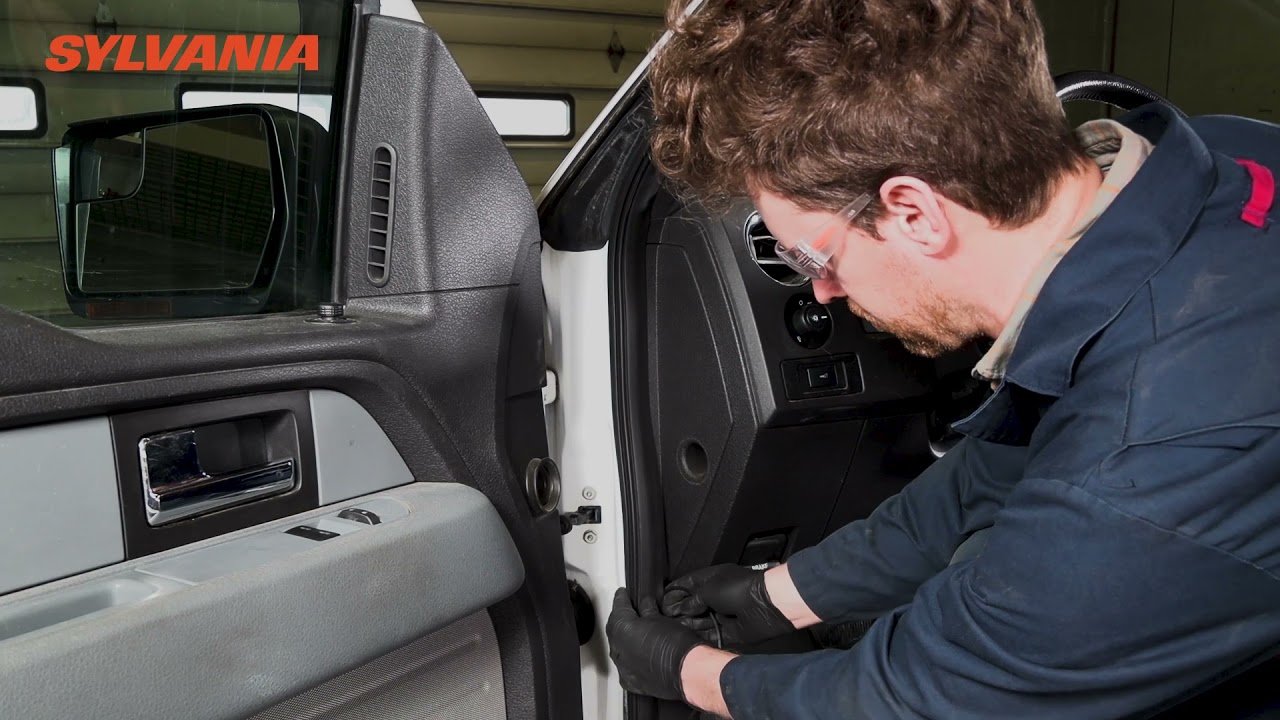
Disconnect the negative terminal of the truck battery to prevent electrical shorts.
Choose a mounting location near the license plate or tailgate and attach the camera securely.
Drill a small hole if needed and route the camera cable through the truck body into the cab.
Locate the reverse light wires and splice the camera power wire into the positive reverse light wire.
Mount the monitor on the dashboard or rearview mirror using the provided bracket or adhesive.
Run the video cable from the camera to the monitor, or install the wireless transmitter if included.
Use a fuse tap to connect the monitor power wire to an ignition-switched fuse in the fuse box.
Reconnect the battery and shift into reverse to test if the camera and monitor activate properly.
Use zip ties to secure all wiring under the truck and inside the cab to prevent movement or damage.
Replace any interior panels or trim pieces removed during installation to hide wiring.
Reconnect the battery if not already done and ensure all electrical systems function normally.
Adjust the camera angle to provide a clear view of the area behind the truck.
Seal any drilled holes with silicone to prevent water intrusion.
Use a multimeter to verify correct voltage at the reverse light connection before finalizing wiring.
Label wires if needed for future troubleshooting or upgrades.
Ensure the monitor does not obstruct driver visibility or airbag deployment zones.
Test the system multiple times to confirm consistent operation when shifting into reverse.
Tidy up the installation area and dispose of packaging and wire trimmings properly.
Double-check all connections for tightness and insulation to avoid shorts.
Review the backup camera kit manual for any model-specific instructions or settings.