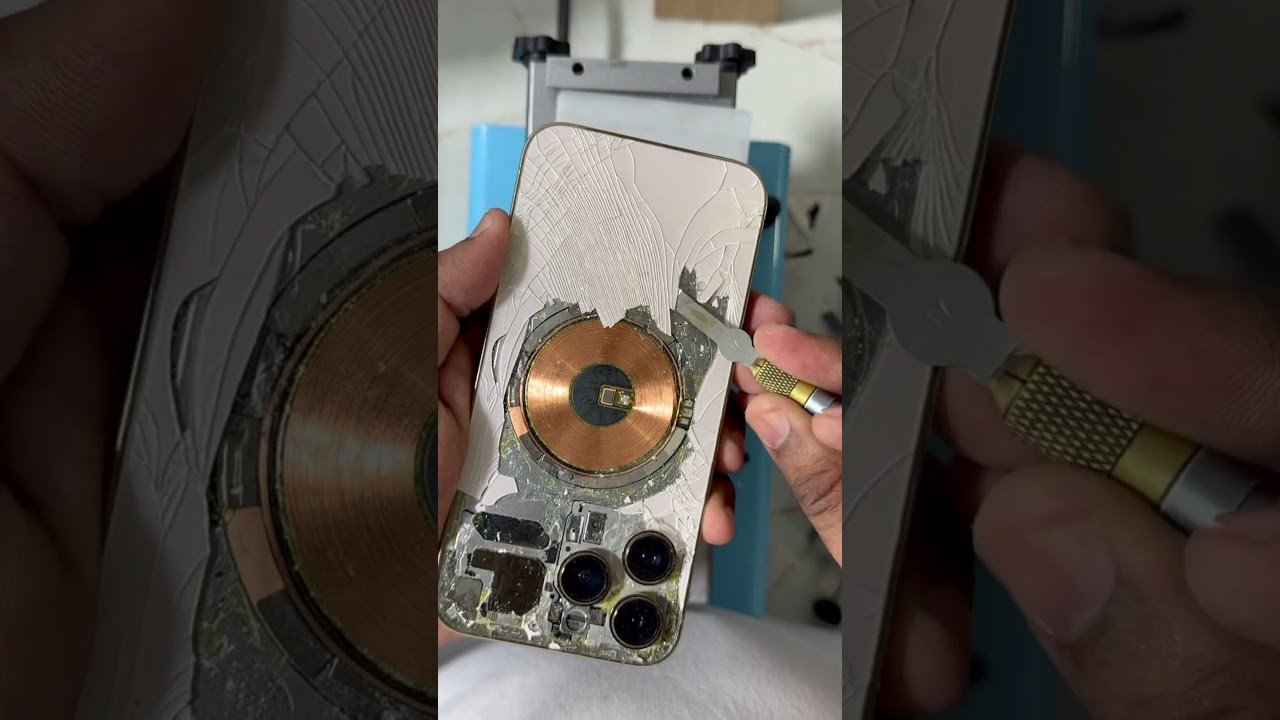
How to replace the glass on a iPhone 13 pro

Check out your helpful results below!
Jump to a section, or see what you’ll get:
Jump to:
Scroll for the full guide ↓
  • 🎥 A step-by-step video walkthrough
  • 🧰 A tools & supplies checklist
  • 📋 Clear step-by-step instructions
  • ⚠️ Safety notes + pro tips
  • 🧑‍🔧 Connections to local pros (if you want help)

Video

Don't Let This Be You

Estimated Time:

Difficulty:

Tools

    Materials

      Steps

        Safety Notes

          Pro Tips

            Did this tutorial help?

            Send me this Do It Yourself tutorial via email

            YouTube thumbnail a6HNdPnQboA

            Need a pro?

            Tell us what went wrong and we’ll connect you with a trusted local pro.

            Please enter your name.
            Enter a valid email.
            Enter a valid phone number.
            Enter your ZIP/postcode.
            Pick a trade.
            Tell us a bit about the issue.
            Image must be under 3 MB.
            By sending, you agree to our Terms and Privacy.
            Free quotes No spam Cancel anytime
            diy4uai21-20
            Pentalobe screwdriver, Suction cup, Plastic opening tools, Tweezers, Spudger, Adhesive strips or glue, Isopropyl alcohol, Microfiber cloth, Heat gun or iOpener, Anti-static wrist strap
            Always disconnect power before starting repair., Wear anti-static wrist strap to prevent static damage., Handle glass shards carefully to avoid cuts., Ensure the device is cool before applying heat., Work in a clean, dust-free environment to prevent debris inside the device., Use proper tools to avoid damaging internal components., Verify all connectors are properly reconnected before powering on.
            Power off your iPhone 13 Pro completely and unplug any cables to ensure safety during repair. Use a Pentalobe screwdriver to remove the screws at the bottom of the phone near the charging port. Apply gentle heat around the edges of the screen using a heat gun or iOpener to soften the adhesive holding the glass. Place a suction cup on the screen near the edge and gently pull to create a gap between the glass and the frame. Insert plastic opening tools into the gap and carefully slide around the edges to separate the glass from the frame without cracking the display. Disconnect the display connectors with a spudger, taking care not to damage the flex cables or connectors. Carefully remove the broken glass pieces from the frame, ensuring no shards remain inside the device. Clean the frame thoroughly with isopropyl alcohol and a lint-free cloth to remove any residual adhesive or debris. Apply new double-sided adhesive tape around the edges of the frame to secure the new glass properly. Align the new glass panel precisely with the frame, then press firmly to ensure good adhesion and a seamless fit. Reconnect the display connectors securely, making sure they are seated properly to avoid display issues. Reassemble the phone by reversing the disassembly steps, replacing screws and ensuring all components are secure. Power on the device, test the touchscreen and display for proper function, and check for any gaps or loose edges.

            Replacement glass for iPhone 13 Pro, Double-sided adhesive tape, Isopropyl alcohol (90% or higher), Lint-free cloth, Protective gloves
            Use a heat gun on low setting to avoid overheating components., Apply gentle pressure when lifting the glass to prevent cracking the display., Keep track of all screws and their locations for reassembly., Work slowly and patiently to avoid damaging delicate parts., Consider replacing the battery if it's old or swollen during the repair., Use high-quality replacement glass for best results., Test the device thoroughly before sealing it completely.
            60
            https://www.youtube.com/watch?v=a6HNdPnQboA
            https://youtu.be/9n6em1ZBOvI​
            YouTube thumbnail a6HNdPnQboA