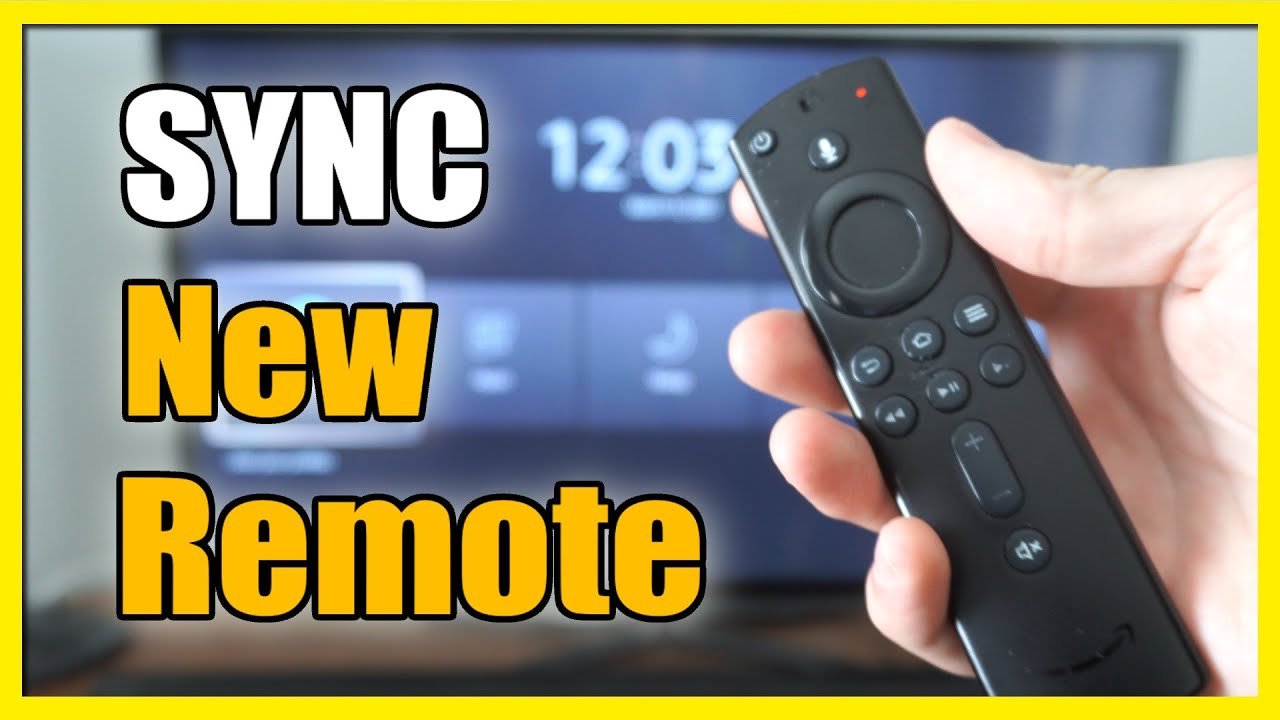
Insert fresh AAA batteries into the replacement Fire TV remote, ensuring correct polarity.
Power on your Fire TV device and wait for the home screen to load.
Hold down the Home button on the new remote for at least 10 seconds to initiate pairing.
Wait for an on-screen message confirming the remote has been paired successfully.
Test the remote by navigating through the Fire TV menu to ensure all buttons respond.
If pairing fails, open the Fire TV app on your smartphone and connect to your Fire TV.
Use the app to navigate to Settings > Controllers & Bluetooth Devices > Amazon Fire TV Remotes.
Select 'Add New Remote' and hold the Home button on the replacement remote again.
Wait for the Fire TV to detect the new remote and confirm pairing on-screen.
If the remote still doesn't pair, remove and reinsert the batteries and try again.
Reset the remote by holding Back + Menu + Left for 15 seconds, then try pairing again.
Ensure your Fire TV device is connected to the internet for optimal pairing.
Check for Fire TV software updates under Settings > My Fire TV > About > Check for Updates.
Install any available updates and restart the Fire TV device.
Try pairing the remote again after the update and reboot.
Keep the remote within 10 feet of the Fire TV device during pairing.
Avoid interference from other Bluetooth devices during the pairing process.
If using a third-party remote, ensure it is Fire TV compatible.
Contact Amazon support if the remote still fails to pair after all steps.