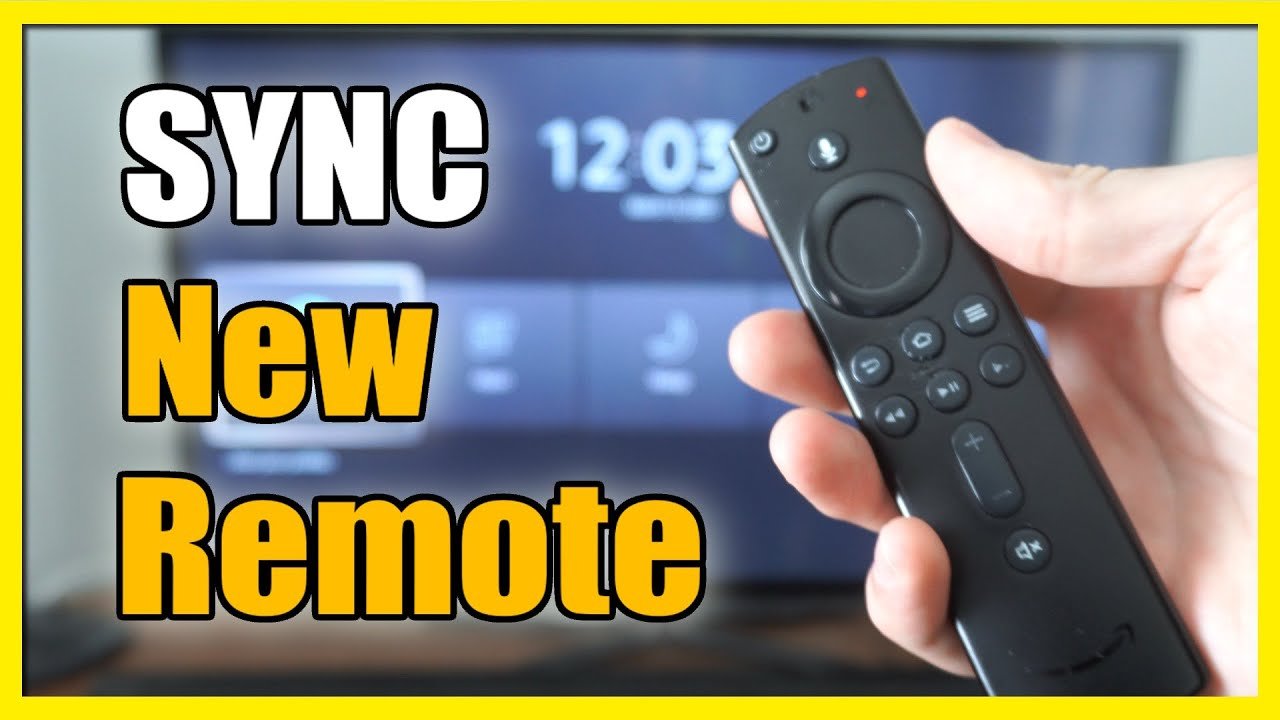
Insert two fresh AAA batteries into the new Firestick-compatible remote.
Ensure your Firestick is plugged into the TV and powered on via USB or wall adapter.
Turn on your TV and switch to the HDMI input connected to the Firestick.
Wait for the Firestick to fully load to the home screen before proceeding.
Hold down the Home button on the new remote for at least 10 seconds to initiate pairing.
Watch for an on-screen message confirming the remote has been paired.
Use the new remote to navigate the Firestick menu and confirm basic functionality.
Navigate to the Settings menu using the remote or an existing paired remote.
Scroll to and select 'Controllers & Bluetooth Devices' from the Settings menu.
Choose 'Amazon Fire TV Remotes' from the list of device types.
Select 'Add New Remote' to begin the pairing process for the new remote.
Hold the Home button on the new remote again until the Firestick detects it.
Wait for the Firestick to display the new remote in the list of paired devices.
Use the original or new remote to confirm the pairing by selecting the new remote.
Test all buttons on the new remote to ensure full functionality including volume and power.
If pairing fails, unplug the Firestick for 30 seconds and try the process again.
Ensure the remote is within 10 feet of the Firestick during pairing.
Avoid interference from other Bluetooth devices during the pairing process.
Update the Firestick software if the remote is not recognized after multiple attempts.
Store the original remote as a backup in case of future issues.