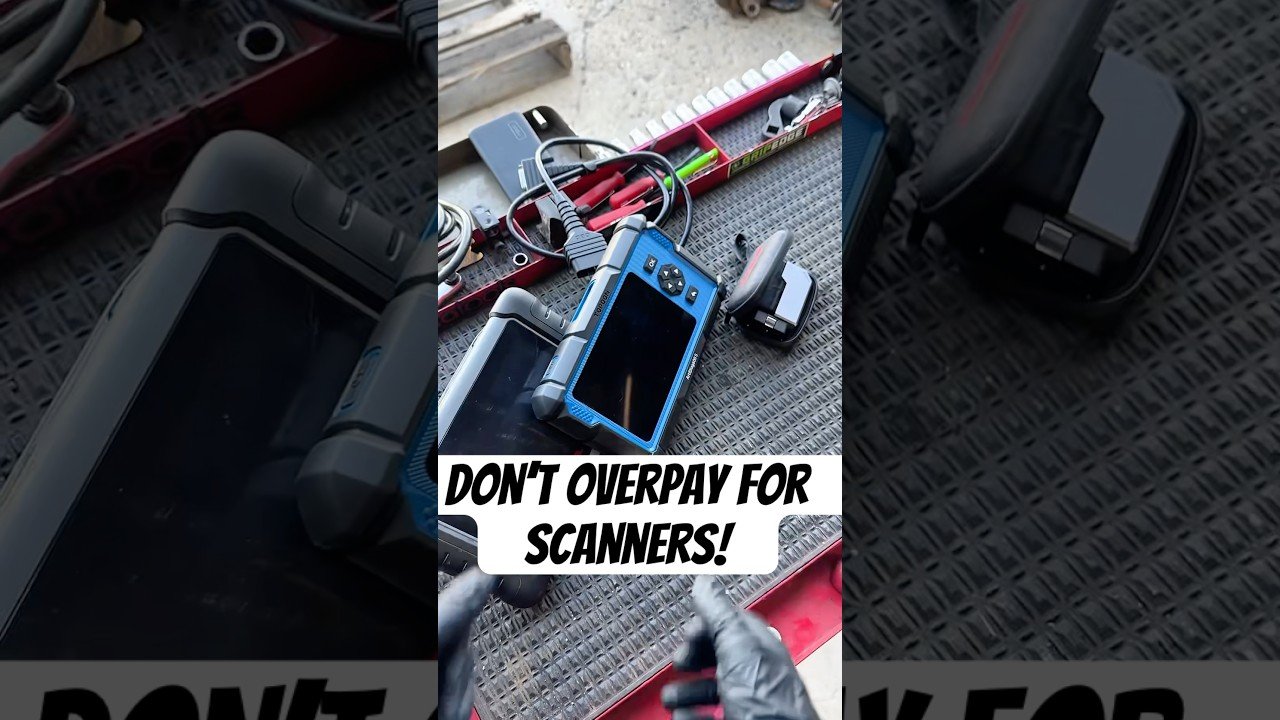
Locate the OBD2 port under the dashboard, usually near the steering column.
Turn off the vehicle and remove the key from the ignition for safety.
Plug the OBD2 scanner securely into the port until it clicks into place.
Turn the ignition to the ON position without starting the engine.
If using a Bluetooth scanner, pair it with your smartphone or tablet via Bluetooth settings.
Open the scanner app or interface on your device or scanner screen.
Allow the scanner to connect and communicate with the vehicle's ECU.
Navigate to the diagnostics or trouble codes section in the app or scanner.
Read the diagnostic trouble codes (DTCs) displayed on the screen.
Use the app or scanner’s built-in database to interpret the codes.
Research unknown codes online or in the vehicle’s service manual.
Decide whether to clear the codes or address the issue first.
If clearing codes, confirm the action in the app or scanner interface.
Wait for the scanner to confirm that codes have been cleared successfully.
Turn off the ignition before unplugging the scanner.
Unplug the OBD2 scanner carefully from the port.
Store the scanner in a safe, dry place for future use.
Test drive the vehicle to see if any codes return after clearing.
Repeat the scan if the check engine light reappears.
Consult a mechanic if codes persist or are unclear.